 The SSD Review The Worlds Dedicated SSD Education and Review Resource |
This all started through my curiosity as to whether I could gain a better battery life from my new laptop. Things took on a new life from there. After all, we do have just about every main stream SSD available, to include client and even a few not released yet. In this report, you will see the world’s top consumer SSDs compared. Samsung 9100 Pro…check. WD_Black SN8100…check. Crucial T710…check. But that’s not all. We also have the soon to be released Phison PS5028-E28 and the Silicon Motiion SM2504XT DRAMless Gen5 SSD controller engineering samples which we think are going to shock you.
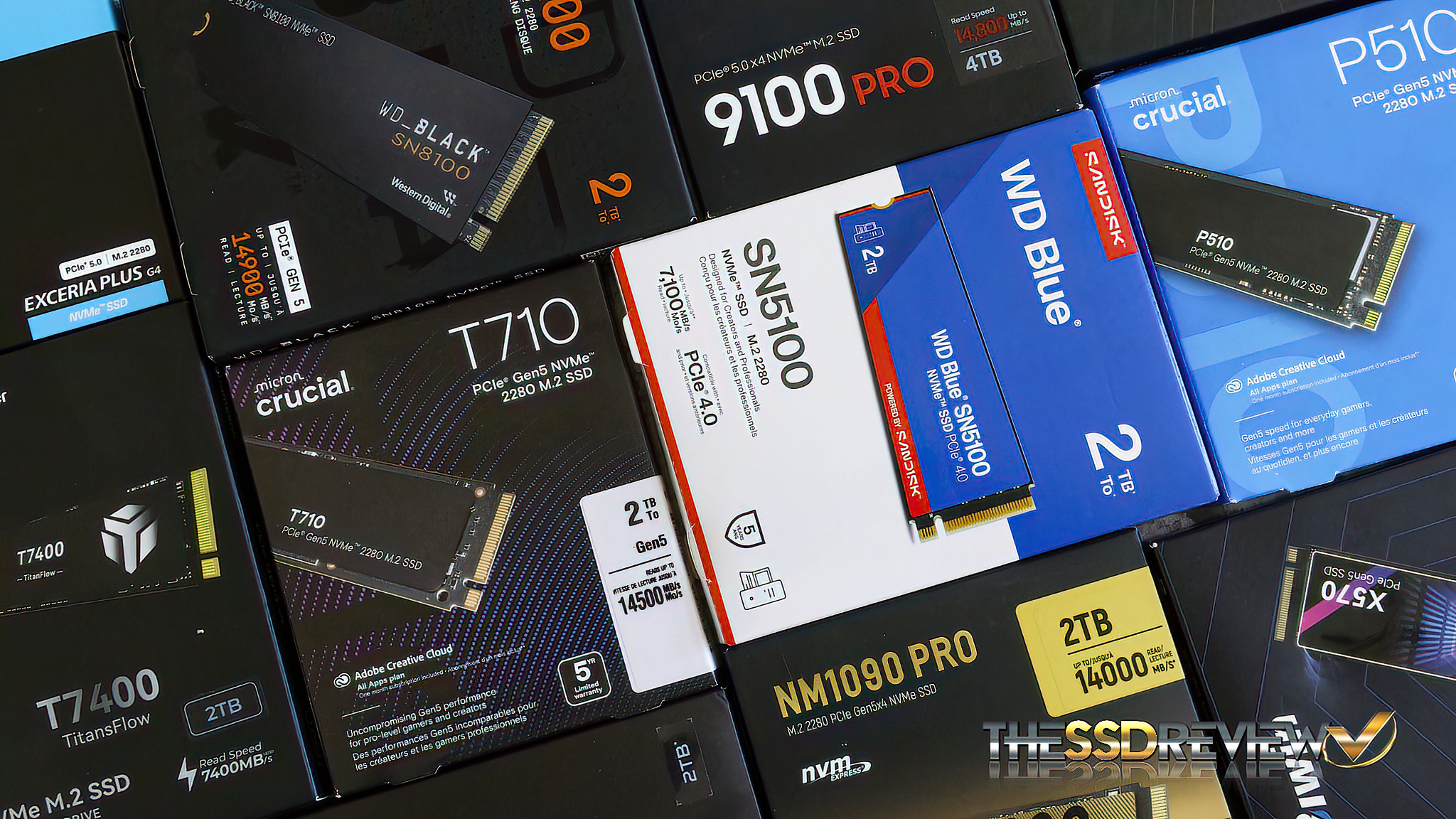
Truth is…what went from a simple SSD switch comparison then changed to a Gen4/5 comparison which then moved into a SSD controller comparison, then to a DRAM/DRAMless comparison, and then to a consumer vs client SSD comparison. We wanted to know if client SSDs, and specifically the SSD that was shipped with this ultrabook, were fine tuned for a better battery life than those retail SSDs that had wider compatibility.
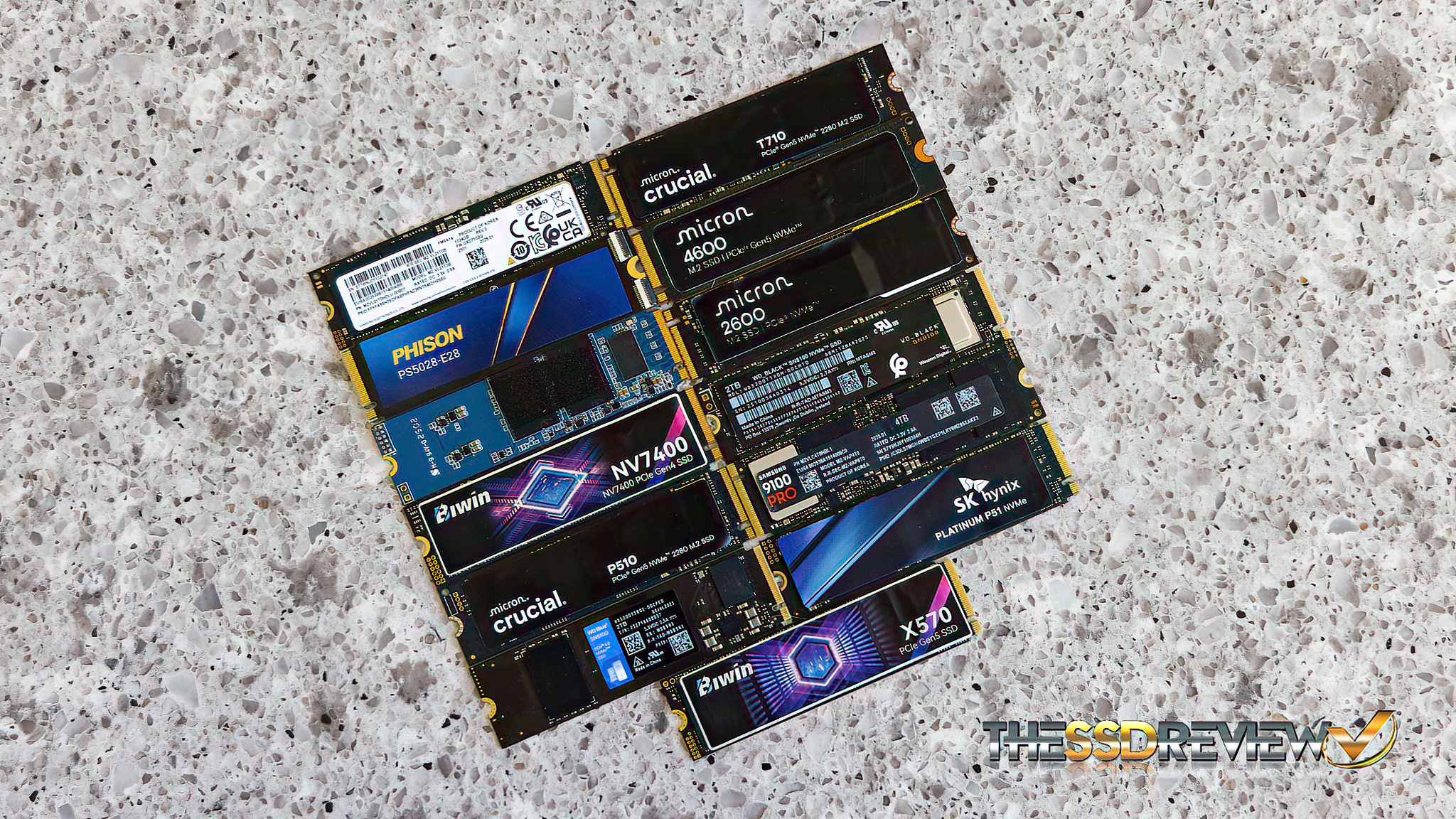
We then became curious as to how power wattage came into play. You see, although the CPU, RAM and even the screen play significant factors in battery life, we cannot change them for the most part these days. You can upgrade your SSD. What significance will this play in your battery life? The difference between our top and bottom tested SSD is a massive 3 hrs and 17 min. Not so long ago, that would have been considered a laptops full charge.
THE TEST BENCH – 2025 LG PRO 16″ 2-IN-1 ULTRABOOK (LINK)
Our ‘Test Bench’ is a new 2025 LG Pro 2-in1 convertible 16″ ultrabook, this ultrabook being a Guiness World Book of Records holder as the worlds thinnest 16″ laptop. It contains an Intel® Core™ Ultra7 255H CPU, 32GB of LPDDR5x RAM running at 8400MHz, an OLED WQXGA 2880×1800 screen with Intel Arc graphics and contains Windows 11 home bumped to Pro. There are two M.2 Gen4 SSD slots onboard and we chose this ultrabook as there were no systems available with similar specs and a Gen5 SSD slot when we needed an ultra for Computex. This Gen4 ultrabook is actually a benefit as all SSDs will now be tested at Gen4 rather than some at Gen4 and some at Gen5. We believe this will provide the most accurate results.
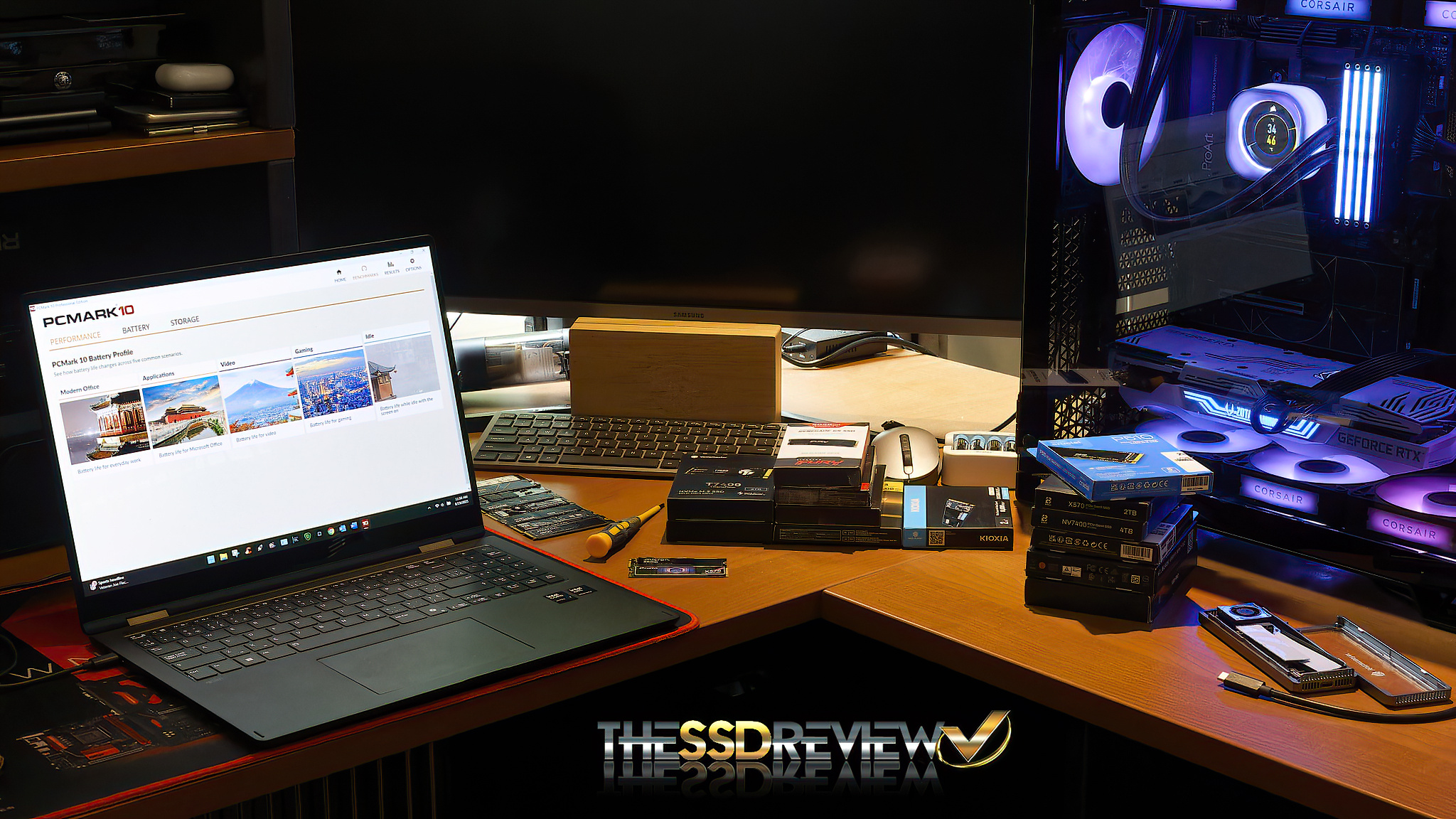
For our specific test regimen, the ultrabook is set on battery power and is set to ‘balanced’ mode and battery power when the test software is started. Wifi, Bluetooth, screen savers, and all other applications are turned off for the test. The screen remains on throughout. An example of things that might affect our results if not turned off might be the system trying to update , or the system trying to initiate a system backup or restore copy. The system is started at 100% battery power and then run until the system shuts off which is typically around 2/3% From there, we divide the total time by 100, multiple by whatever percent is left and add that to the total time to account for the full 100%.
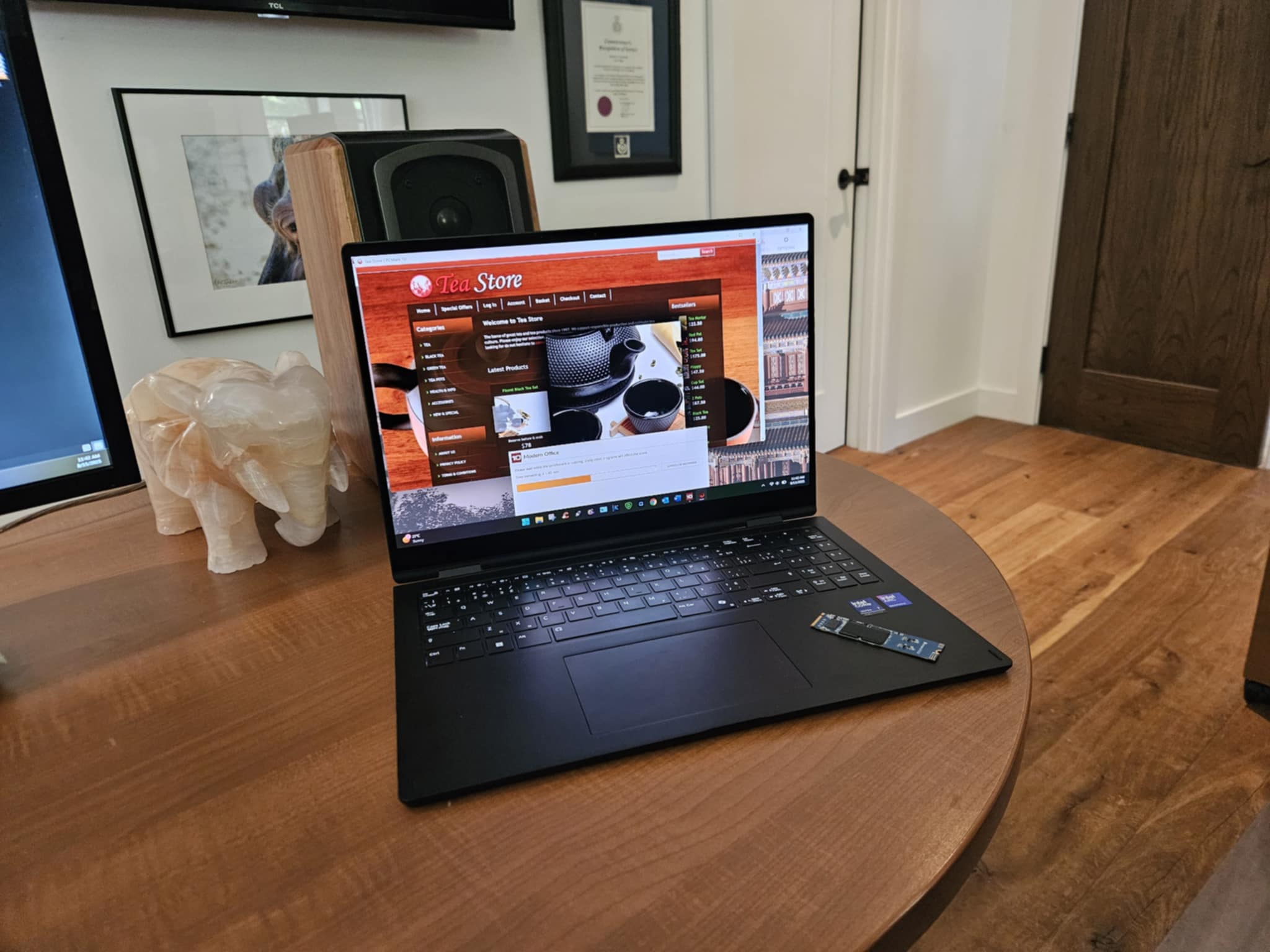
Thirteen SSDs have been tested, each allowed to run for the full battery charge of the laptop. Once all were tested, the first SSD was again tested as the final to ensure that there has been no depletion of battery performance during this test period.
TEST SOFTWARE – PCMARK 10 BATTERY PROFILE (LINK)
Our choice of test software is PCMark 10 Battery Profile and we tested solely in ‘Modern Office’ rather than including Applications, Videos, Gaming and Idle. The reason for this is in consideration of test time alone. Our testing took two weeks as it stands and we would have to multiply that by x4 to accomplish a full test, two months straight testing simply wasn’t an option.
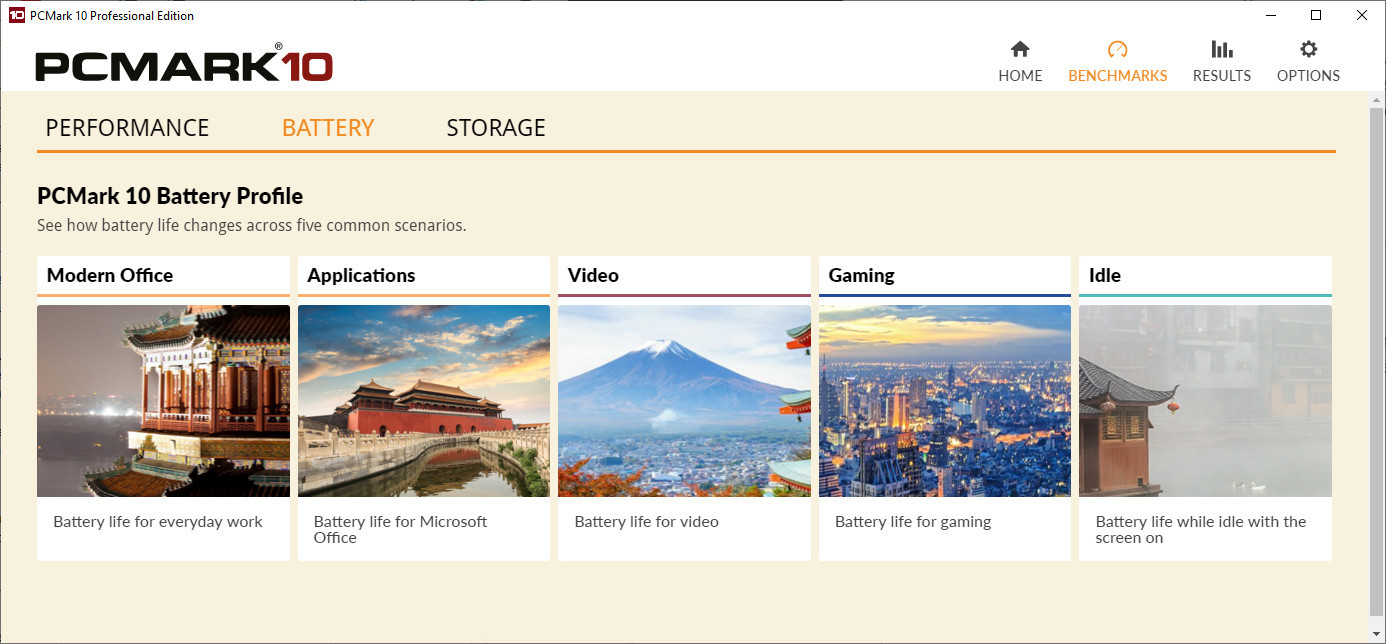
Our choice of the Modern Office test component was because it seemed to entail the most to include typical work activities such as writing, web browsing, and video conferencing.
TEST RESULTS (CLICK IMAGE TO ENLARGE)
To provide a bit of clarity to this chart, the orange depicts total battery time in minutes, grey speaks to performance as determined by the benchmark and blue (way down at the bottom) is manufacturers listed active power wattage. Before this test, we firmly believed that the SSD power wattage would directly reflect battery life. We were wrong.
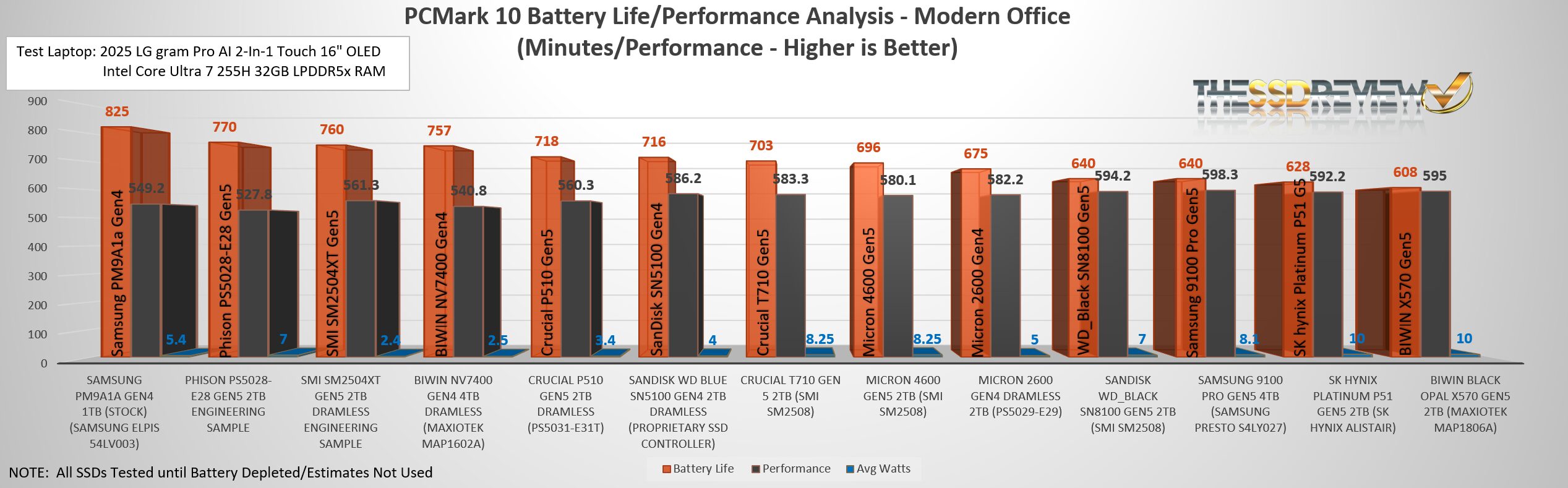
These results were not what we expected. To start, we wouldn’t have bet in a million years that the stock Samsung PM9A1a Gen 4 client SSD (980 Pro consumer) would have surpassed every other SSD in battery life…and by a long shot. This SSD lasted 13 hours and 45 minutes where the next best was just under an hour less at 12 hours and 50 minutes. That’s a 55 minute jump. There was a time when SSDs in laptops were substandard and that is stating it lightly. Things have definitely changed as the stock SSD within our LG Pro has it all, but for one thing… capacity.
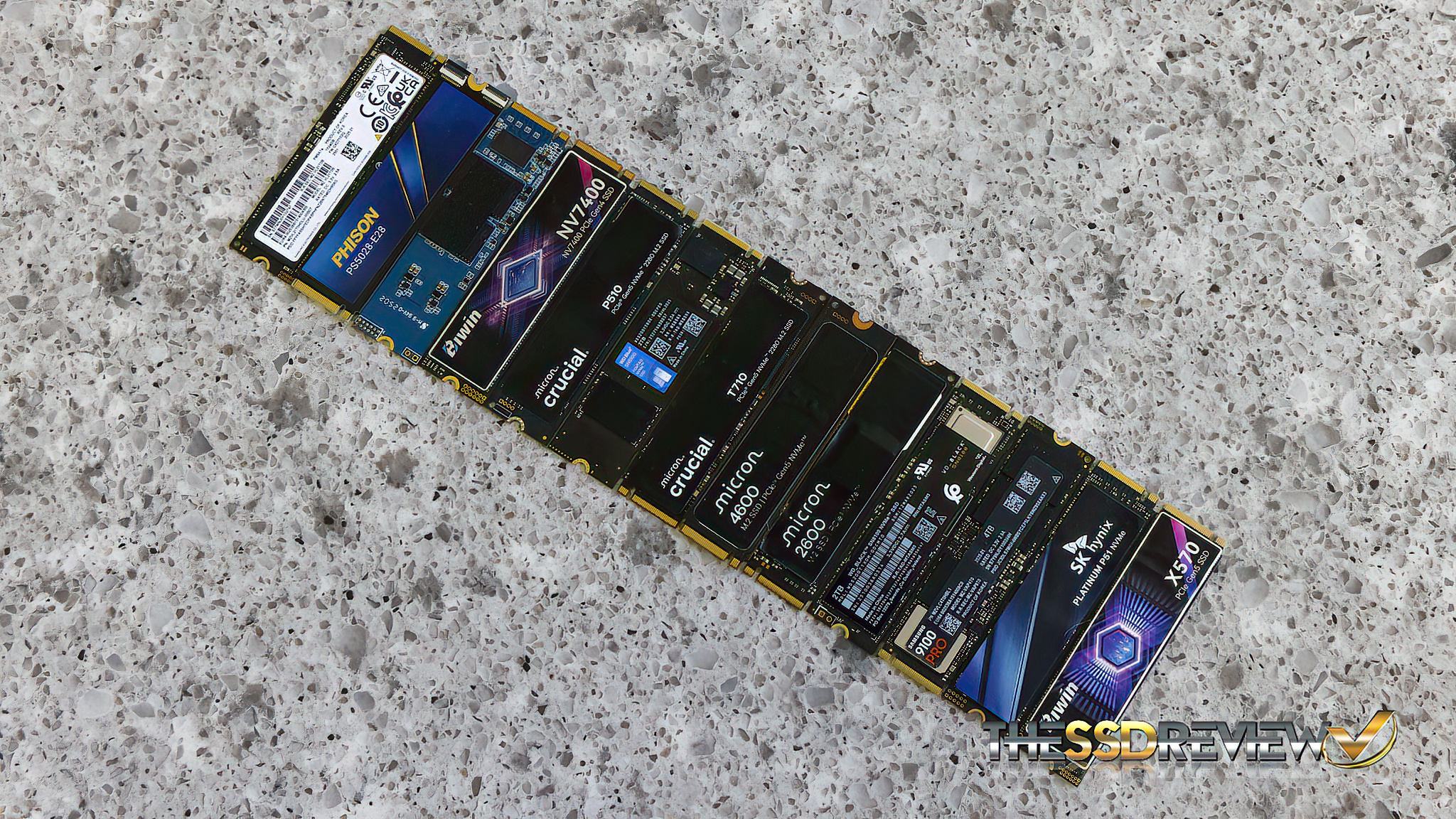
In number two and three spot, we have two SSDs that are presently engineering samples and yet to be released. The Phison PS5028-E28 Gen5 2TB SSD simply blew us away as this will be a top tier consumer SSD soon enough. It will be right up there with the WD_Black SN8100, Samsung 9100 Pro, and Crucial T710 but it surely surpasses them on this chart…at least for battery life. And then there is the SMI SM2504XT DRAMless Gen4 sample which we think might be the ideal ultrabook SSD when considering all factors such as battery life, performance and its uber low 2.4w active power rating. This SSD was also the coolest of the bunch.
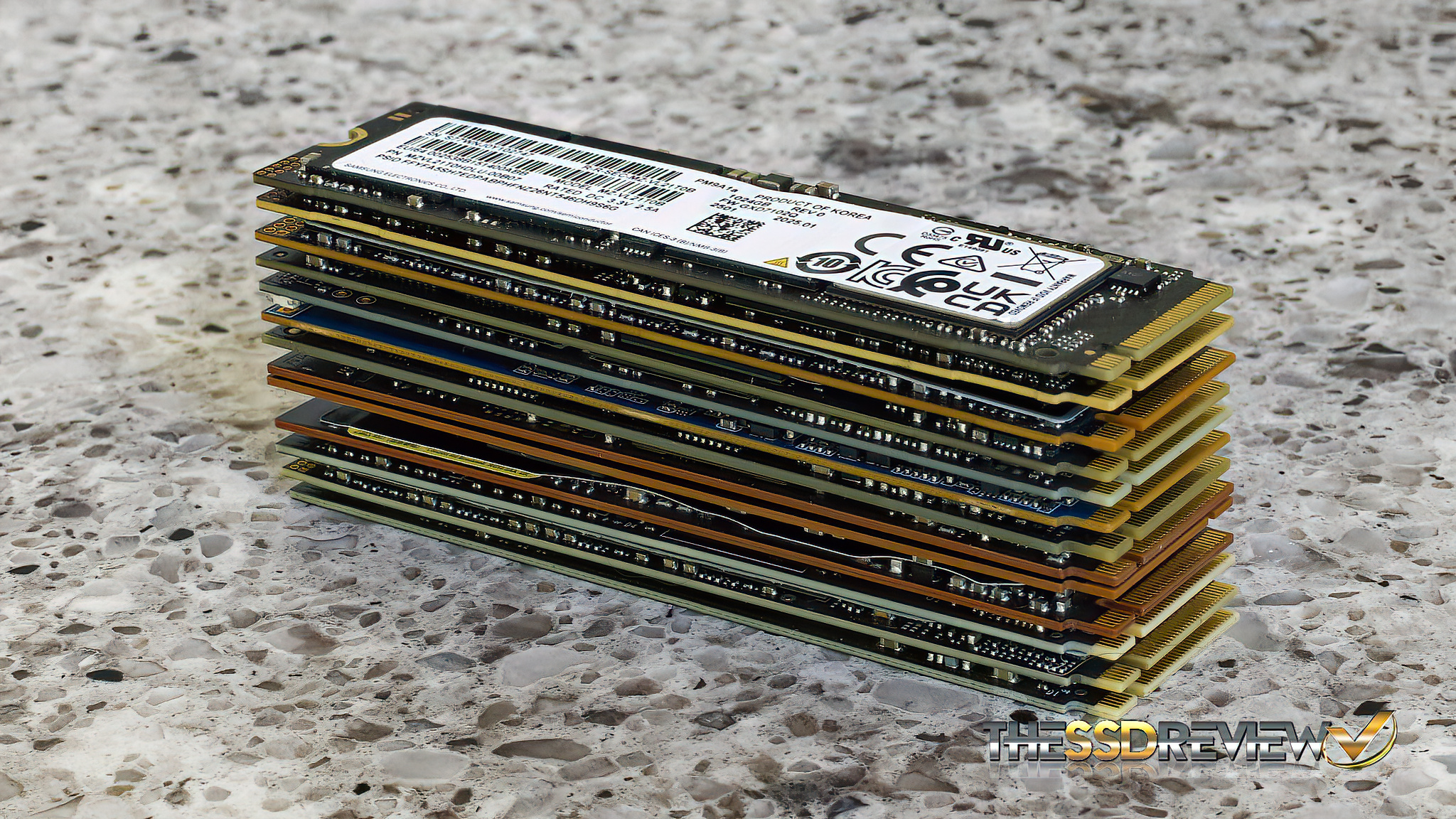
Last but not least, we expected to see DRAMless SSDs placing higher in battery life followed by those media centric powerful SSDs. You will also see the performance going up as we move left to right, yet where we expected wattage to be a major factor in battery life, it really wasn’t, especially when you look at the soon to be released Phison PS5028-E28 SSD in the No. 2 spot.
Looking for an upgrade to your present laptop? This report right here is your perfect start. Check Amazon for your SSD today.