 The SSD Review The Worlds Dedicated SSD Education and Review Resource |
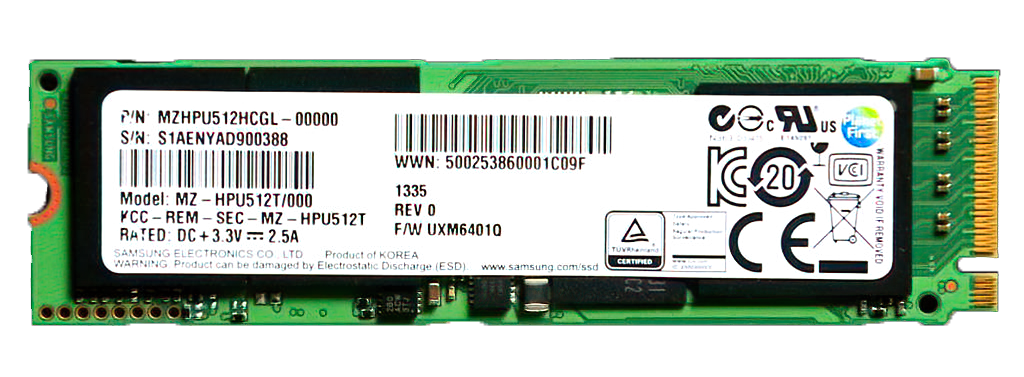
Isn’t competition a great thing? I have always considered the development of flash technology as somewhat a sport. It is simply one company trying to create a faster, larger and more reliable SSD than that of which was just released by another. I remember sitting in a business meeting at Samsung HQ in Seoul, South Korea, many years back and arguing as to why they wouldn’t manufacture 1TB SSDs at that point. The SSD was the Samsung XP941 and their top capacity was 512GB, whereas others had jumped to 1TB. I thought they were missing out on such a great opportunity. Was I wrong!
An amusing side-note was that they ‘blacklisted’ TSSDR for a short period after that as I had gotten my hands on, and posted their confidential XP941 internal spec sheet (that didn’t say CONFIDENTIAL anywhere on it). It has been an absolutely amazing ride having a front row seat in the flash business for more than 18 years. Today, we are going to introduce you to the biggest and baddest SSD on the block, the Samsung 9100 Pro Gen5 SSD. Baddest, of course being a very good thing and we have had it in hand and have been testing the heck out of it for several weeks now. To the tune of 48TBW in fact, which is one heck of a comparable to our normal test scenario that might be lower single digits. We are not going to make you wait…check this out! This is the best CDM benchmark we have ever received.

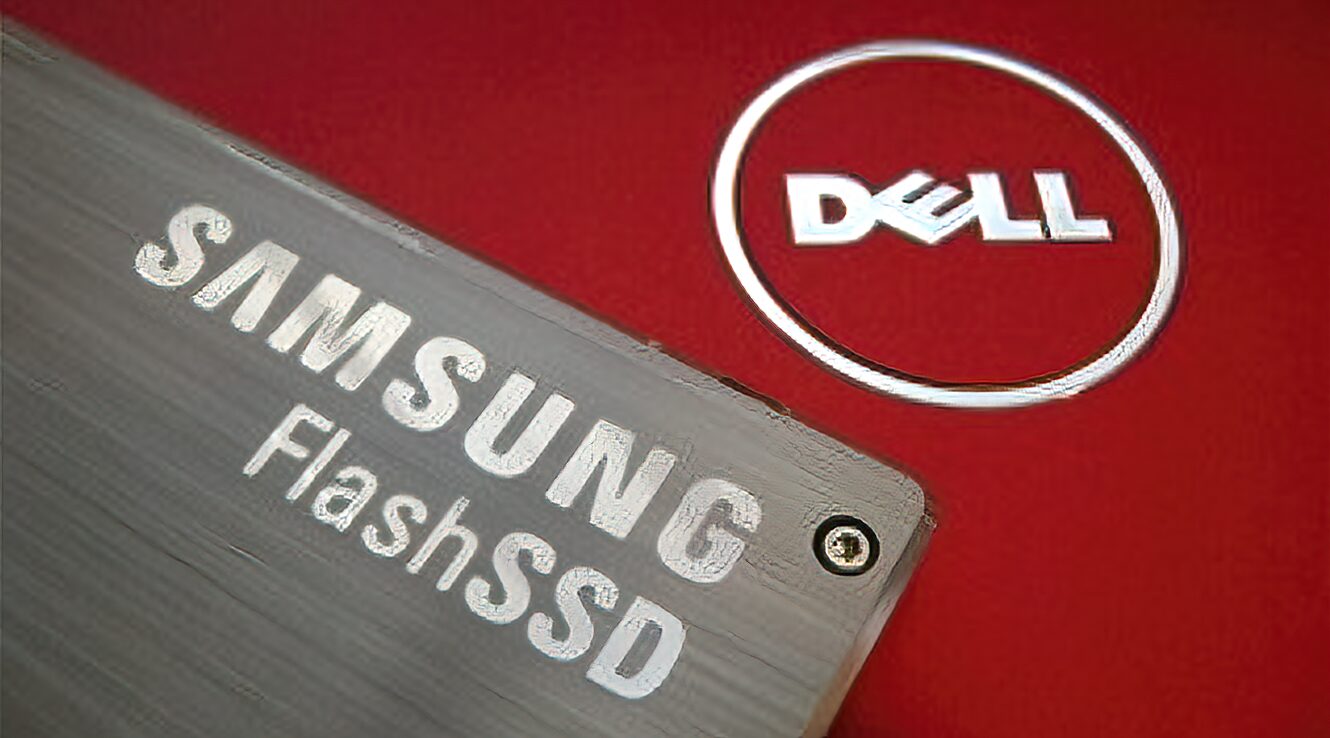
It is a very good sign that this is sure to be one amazing SSD. Would you believe that we were one of the first historically to publish a Samsung SSD review? I had to dig way but our first posted review of a Samsung SSD was on the Samsung 64GB SATA II FlashSSD on April 20, 2008 and its top speed was 100MB read and 90MB write. Performance has jumped 140x since. The Samsung FlashSSD cost $1130 way back then…for 64GB. In retrospect at that cost formula, our newest Samsung 9100 Pro 4TB SSD would cost a mere $72,320 today at $17.65/GB. How far we have come. Ok…back to the Samsung 9100 Pro Gen5 4TB SSD…
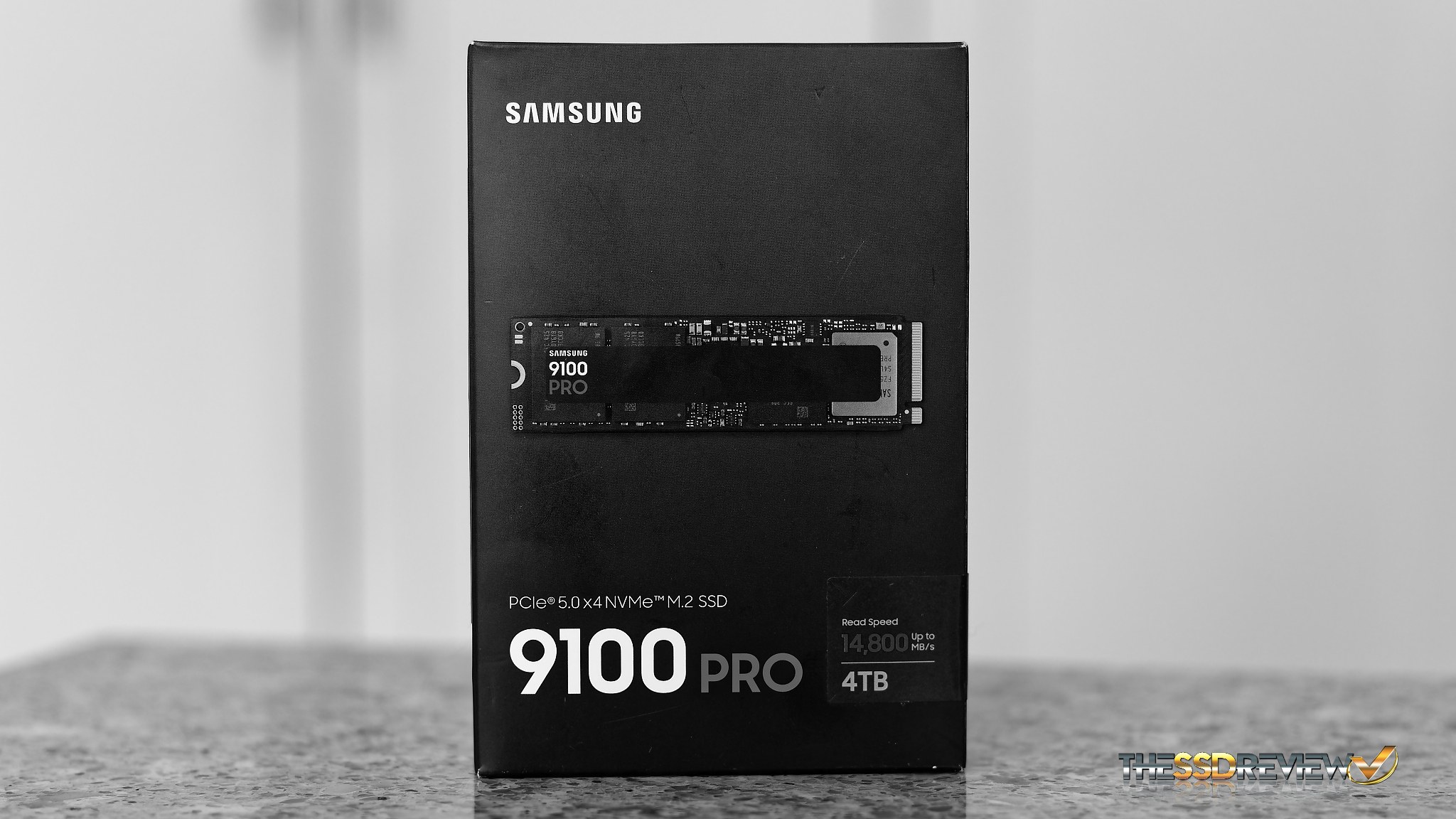
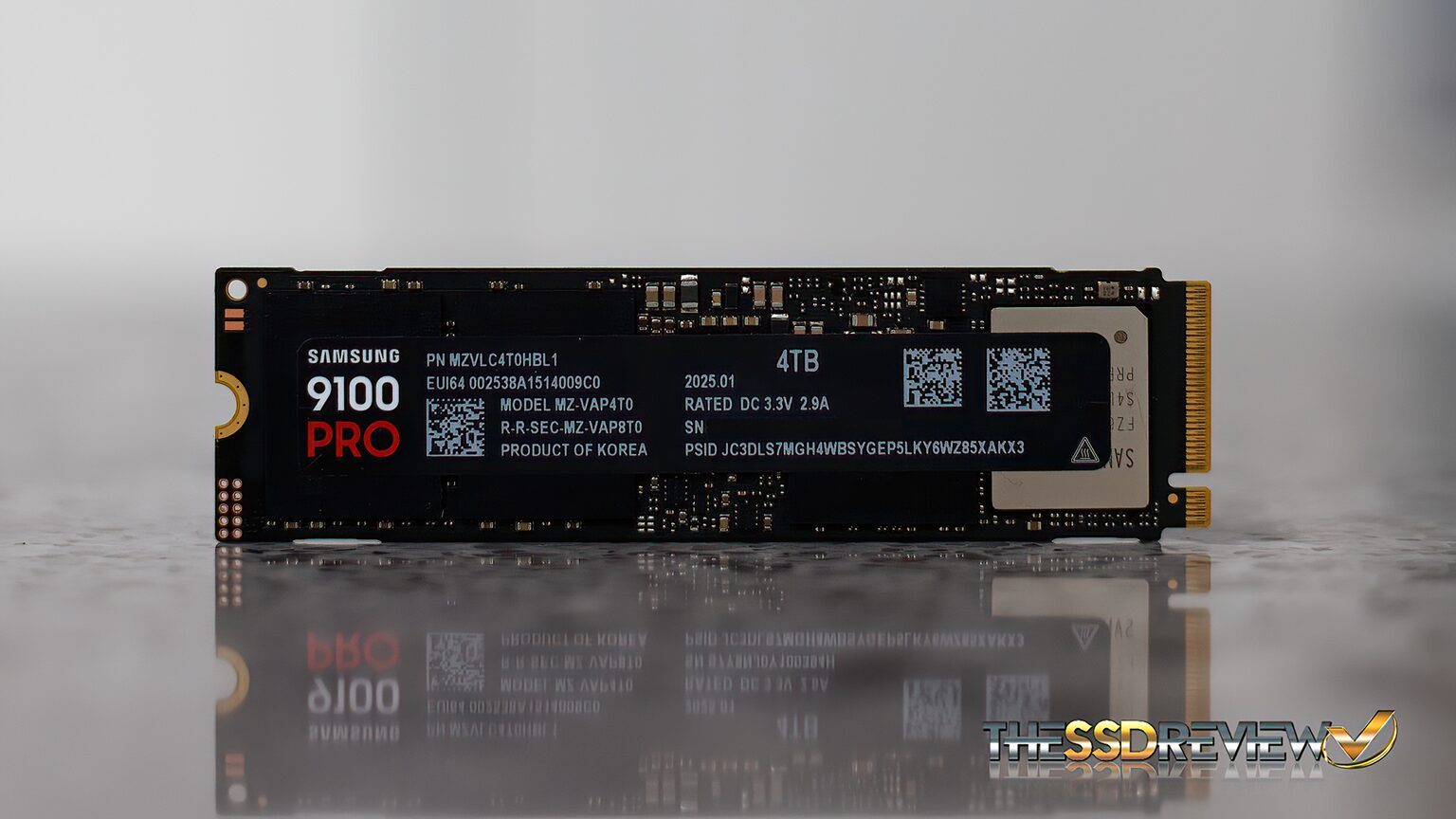
The Samsung 9100 Pro is a PCIe 5.0 x4 (4-lane) NVMe 2.0 form factor 2280 (22mm wide x 80mm long) SSD that is available right now in capacities of 1,2, and 4TB. An 8TB version is expected to be available post Q2 2025 and we would be more than happy to review that on release Samsung!. Listed specs speak to up to 14.8GB/s read and 13.4GB/s write with up to 2200K read and 2600K write IOPS. These speeds drop slightly for 1/2TB capacities with those numbers listed here.

The Samsung 9100 Pro has a hefty TurboWrite 2.0 cache buffer of 114GB for the 1TB, 226GB for the 2TB and 442GB for the 4GB capacity with the value not yet known for the 8TB capacity. It has AES 256-Bit full disk encryption, and is TCG/Opal 2.0, and Encrypted drive (IEEE1667) compatible.
The Samsung 9100 Pro contains Samsung’s in-house Presto PCIe 5.0 NVMe SSD controller numbered 54LY027. This is an 8-channel controller running at 2400MT/s.
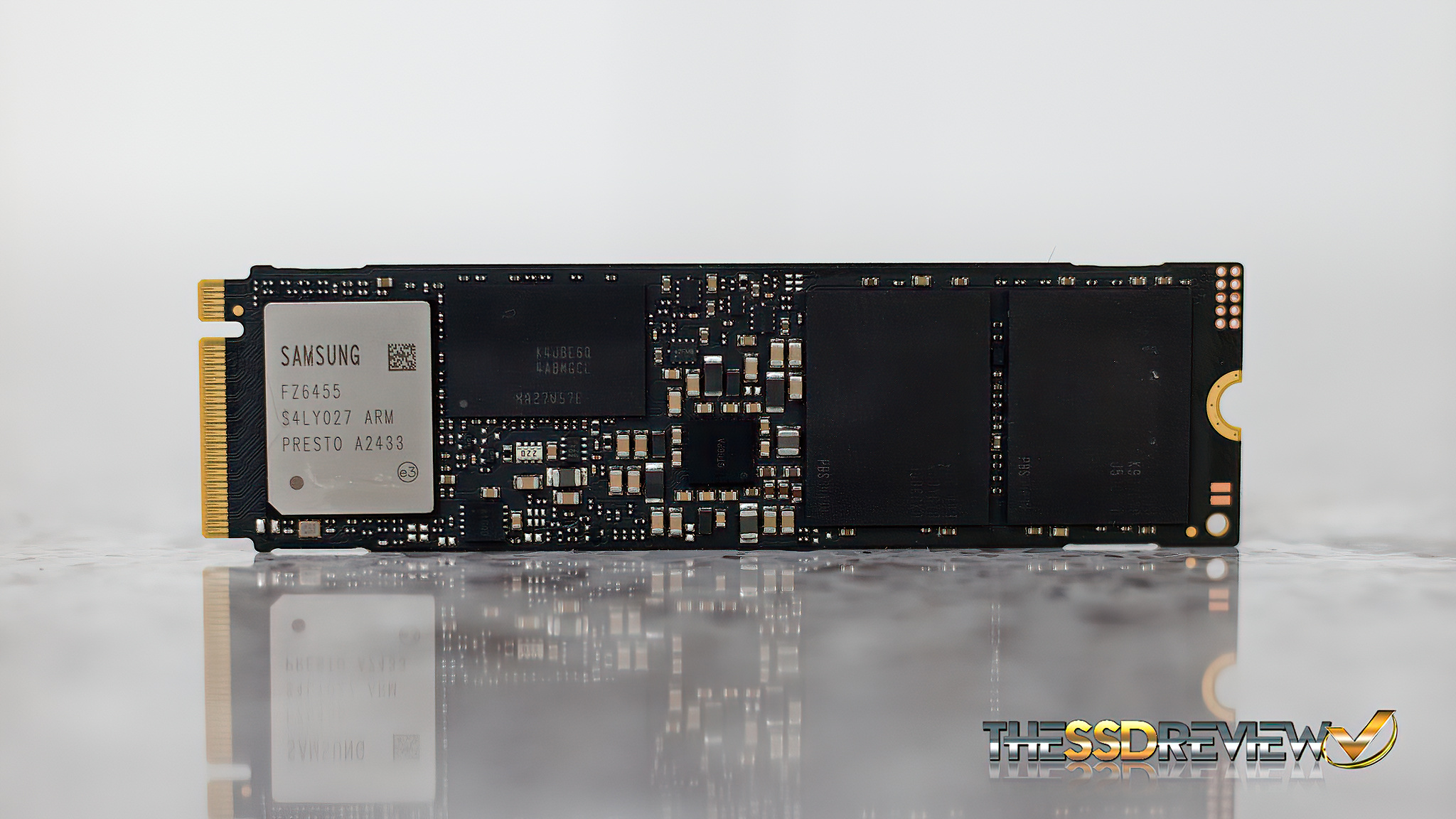
This is a single-sided SSD which contains two pieces of Samsung 236-layer V8 TLC NAND flash memory alongside a LPDDR4 DRAM chip that has a buffer size matching the size of the SSD (i.e. 4TB capacity = 4GB DRAM). The 9100 Pro operates at 9 watts active read and 8.2 watts active write which should make it a somewhat cooler SSD than we had seen prior, especially since it is single-sided. As a comparable, the 9100 Pro has 49% more power efficiency than the previous 990 Pro.
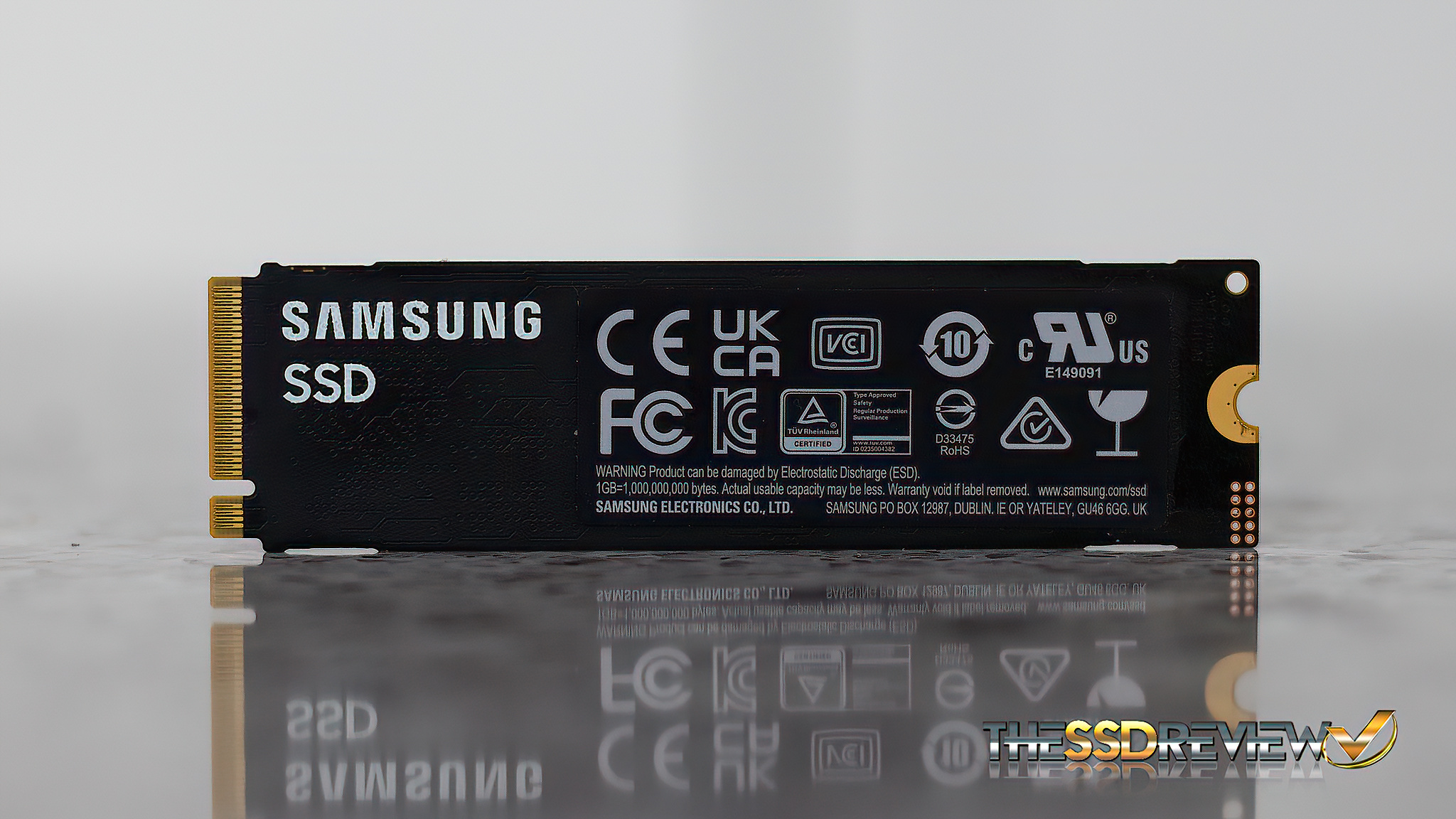
Endurance speaks to 600TBW for the 1TB which doubles for every capacity bump and this SSD comes with a 5-year limited warranty. MSRP pricing is exactly what we don’t like to see and is set at $219.99 (1TB), $319.99 (2TB), and $569.99 (4TB) with pricing for the 8TB version to be announced on release. You may also see prices bump $20 if you are buying the 9100 Pro with the included heatsink.

We expect this pricing to level off so it is more in tune to normal SSD prices but who knows. Price and demand are strange bed fellows. Check Amazon pricing and availability.

Samsung Magician is also a free and very useful software package available here. You may have noticed from the above CDM that we have set this SSDs overprovisioning at 10% through this software.
Let’s get to some specs…
Hi Les, Thanks for the review. Quick question if you dont mind…Did you test the 9100 pro in the PCIe 5×4 m.2 slot or did you test it with a PCIe adapter in one of the PCIe 5 slots?
The drive was tested in the former Z790 Gen HyperSSD AIC and not the M2 slot. Current Gen motherboards do not allow full performance from 14GB/s SSDs and we may be writing an article on this in a week or so… Waiting for a return from Intel. Presently, 14GB/s ssds only achieve 12GB/s speeds in the M2 slot and we have confirmed this in a number of different boards and can also validated it from several other tests and Internet posts of other sites.
Thanks for the reply! That is what I am experiencing also. Extremely nice drive though.
Take a look at our report posted just today. Can you detail the motherboard and SSD you are using? ANything else that may habve been observed?
Hi Les,
Have you received any additional information regarding this issue with the Gen 5 M2 slot performance?
Report posted this morning. Can you detail the motherboard and SSD you are using? ANything else that may habve been observed?
Thanks for the review and the additional information on the slow speeds on z890 motherboards! I am getting nearly identical results that you are seeing, both the slow speeds in the m.2 slot, and the full speeds using a PCIe 5 to m.2 adapter. This is on an MSI PRO Z890-A WIFI motherboard using a Samsung 9100 Pro ssd. MSI has not yet acknowledged that this is an issue. I have been providing information to Intel, but they have not provided any solutions.
@Les: Does the M.2 slot vs PCIe differences of PCIe 5 cards capable of over 12,000 GB/s also impact TRX50 and WRX50 (AMD Threadripper) motherboards?
Also for Intel Optane Memory p5800x 1.6TB SSD users such as myself, do you recommend I still use it as a boot drive vs. these PCie 5 cards? If so, what you anticipate NAND SSDs need to be more capable of with PCie 5/6 to dethrone such SSDs for such purposes?
I’m about to create a new Threadripper 9000 rig and was curious
* Note I’m aware of the WD_Black SN8100 Gen5 SSD review that beat the p5800x in a particular benchmark; just felt it was more appropriate to ask here re: the differences using Gen 5 SSDs in M.2 slots vs PCie SSD AIC cards
I don’t use M.2 slots. I use the ASUS Hyper card when testing SSDs to ensure full performance.
The 12GB/s limitation in M.2 slots is limited to Intel 200 series boards alone. With respect to the P5800x continuing as your boot drive, it is really a matter of personal preference when you compare the speed of SSDs today. Modern SSDs have surpassed Optane performance in all but one area… low random 4K read performance which still sits at over 400MB/s. You are still 3x on load times compared to non-Optane users.
Understood; thanks for taking the time well after this review to provide additional nuance and context with your experience with your PCIe 5 Gen SSDs.
Continue the great work!
Just to make sure: My 1.6TB Optane P5800x is still 3x faster on load times compared to non-Optane users to your estimation or slower?
Your Optane has low random reads above 400MB/s which has never been achieved by any other SSD, consumer, client or enterprise. That’s your answer to right there.