 The SSD Review The Worlds Dedicated SSD Education and Review Resource |
CFExpress Cards have become commonplace in the media industry for some time now and, as a media professional, I cannot speak highly enough as to their value. Its blazing speed within cameras such as my Canon EOS R5 allows me to find shots that I might have never prior. Not only does it allow one to find the perfect shot through a quicker frame rate where one can then pick and choose, but also, it let’s those of us that are a bit extreme get in to some tight spots, get the shot and get out. This is grey eyes. Believe me when I say she knew I was less than 15 yards away and was looking directly at me.

I have been using CFExpress cards in my Canon R5 since its release in 2020 and there is definitely a burden associated with the cards. Quality shots. High quality shots increase exponentially, mandating much more time to select just the right picture. This is where the most recent CFExpress upgrade to USB 4.0 helps a great deal. When you are moving thousands of pictures and videos from your card at a time, this is now accomplished much faster and job efficiency is everything. And this is where the Lexar Professional CFExpress 4.0 Type B Gold Memory Card steps in.
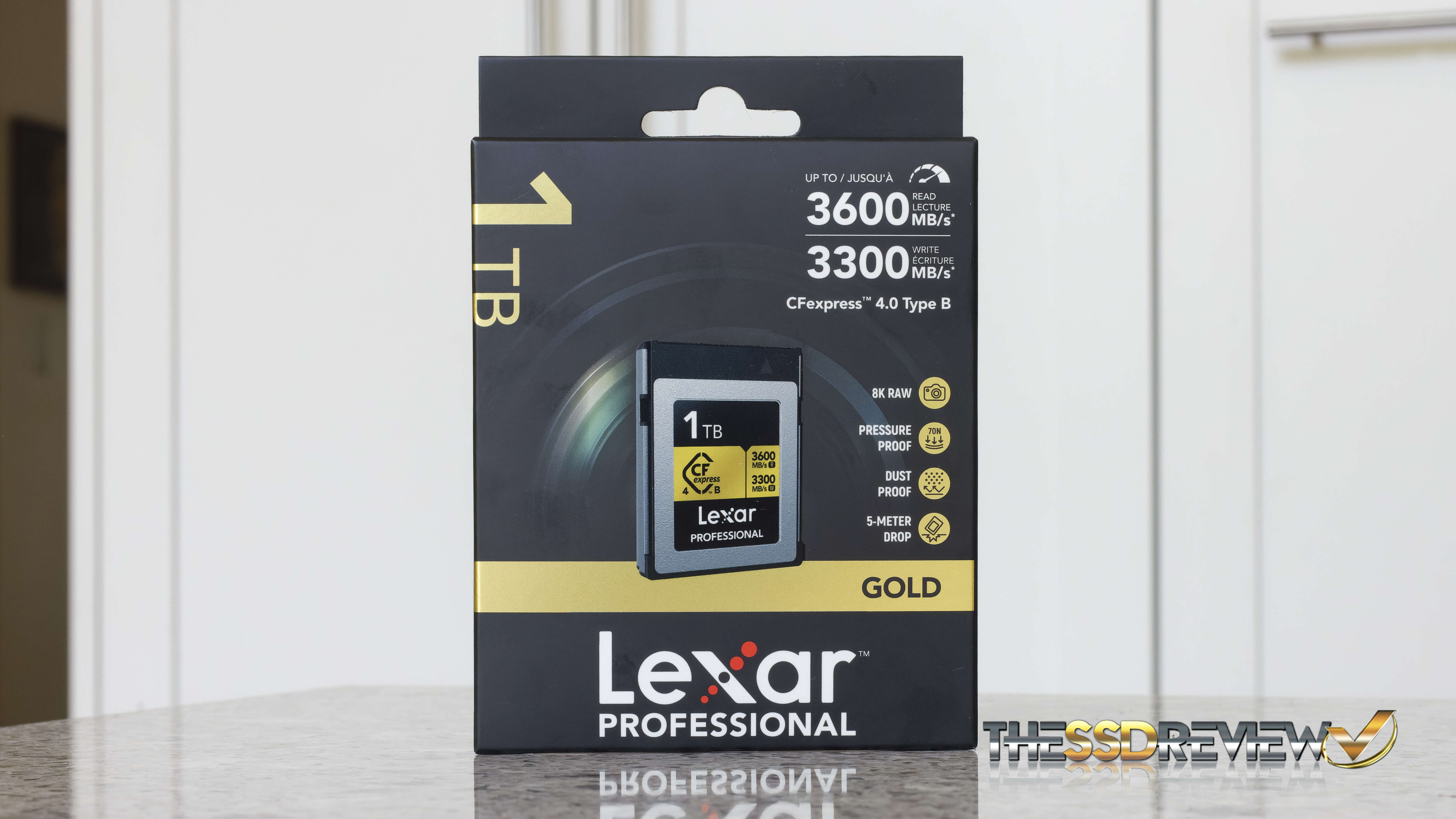
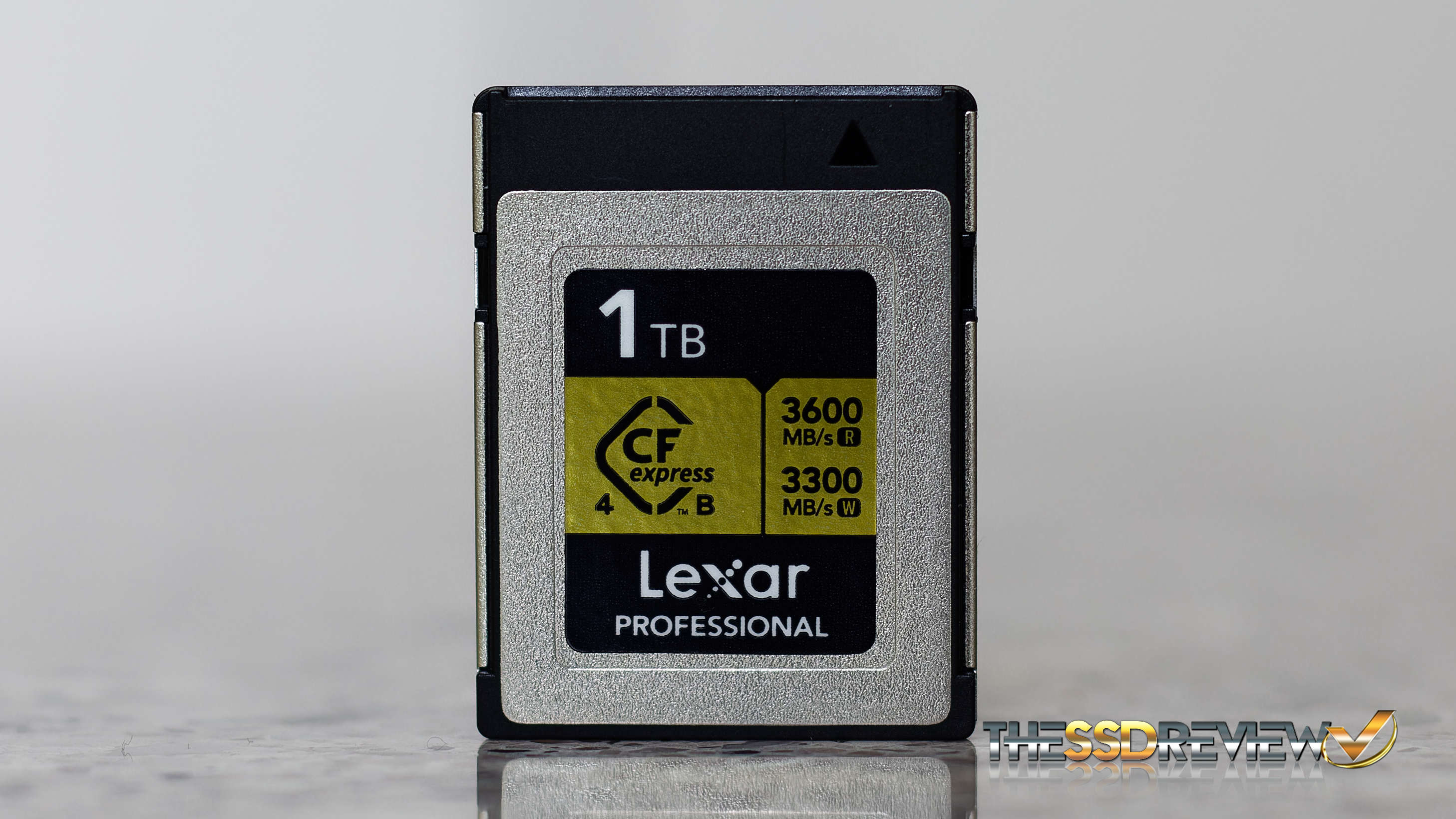
The Lexar Professional CFExpress 4.0 Type B Gold Memory Card is available in 512GB, 1TB, 2TB and 4TB capacities and has advertised speeds of 3600MB/s read, 3300MB/s write and up to 1500MB/s sustained write data throughput. To be very transparent, the website speaks to the card having a sustained write of 3000MB/s but this is within the buffer cache initially, after which transfer speeds drop to the industry standard 1500MB/s or thereabouts. Also, these speeds are only attained through use of a USB 4.0 reader and plugged into a USB 4.0/Thunderbolt 4/5 compatible PC or laptop. This CFExpress 4.0 Memory Card comes with a Lifetime Limited warranty.
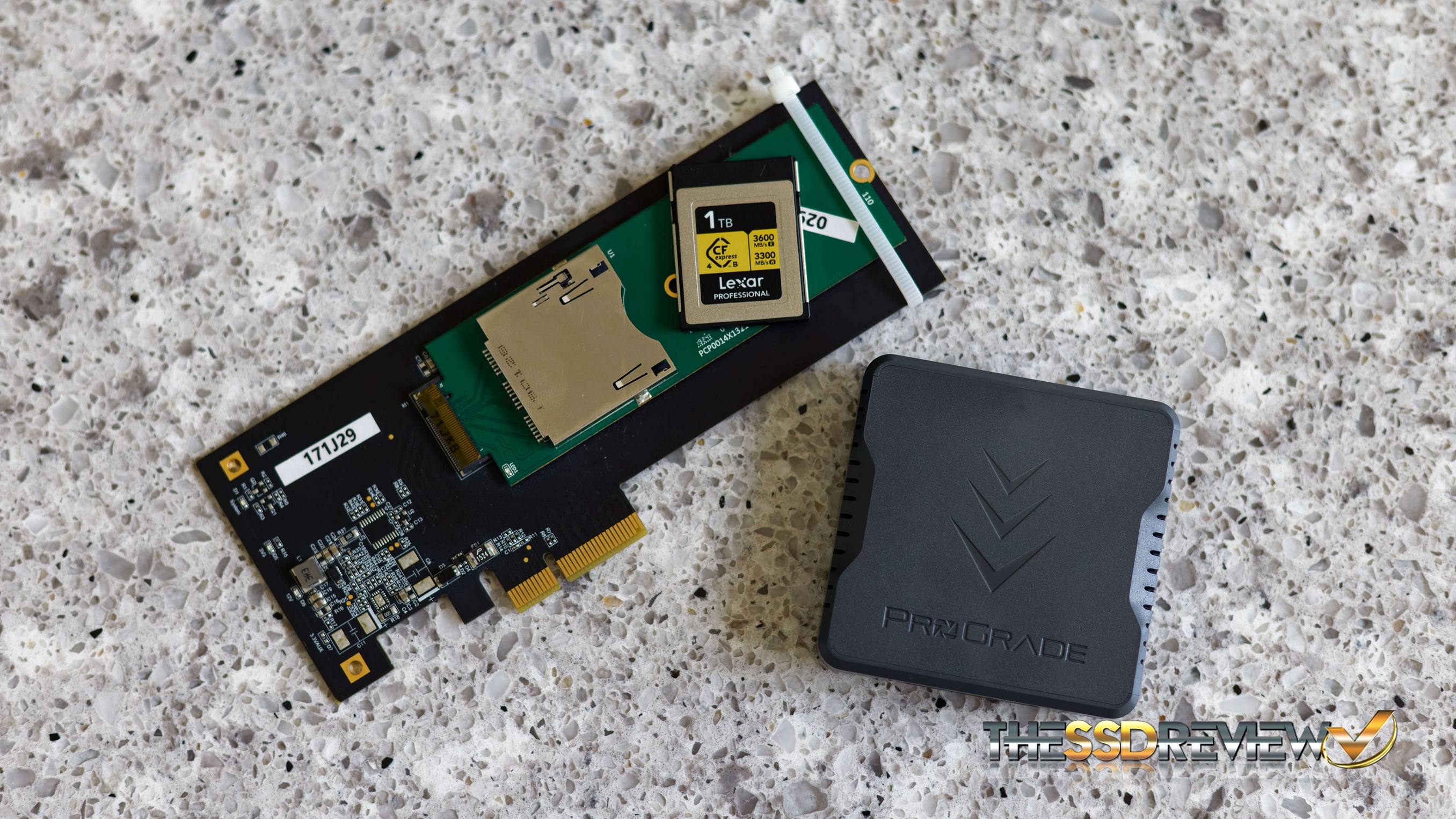
For our testing today, we plugged the Lexar Professional Gold 4.0 directly into an AIC (PCIe Add-in Card) created for just this purpose. By testing directly in the CPU lanes, we can be assured that the results obtained are absolutely the best one can get from the card being tested. While card readers may provide a bit better heat dissipation because of their build, they always seem to result in slightly lower performance which we will get to later in this report.
TSSDR TEST BENCH AND PROTOCOL
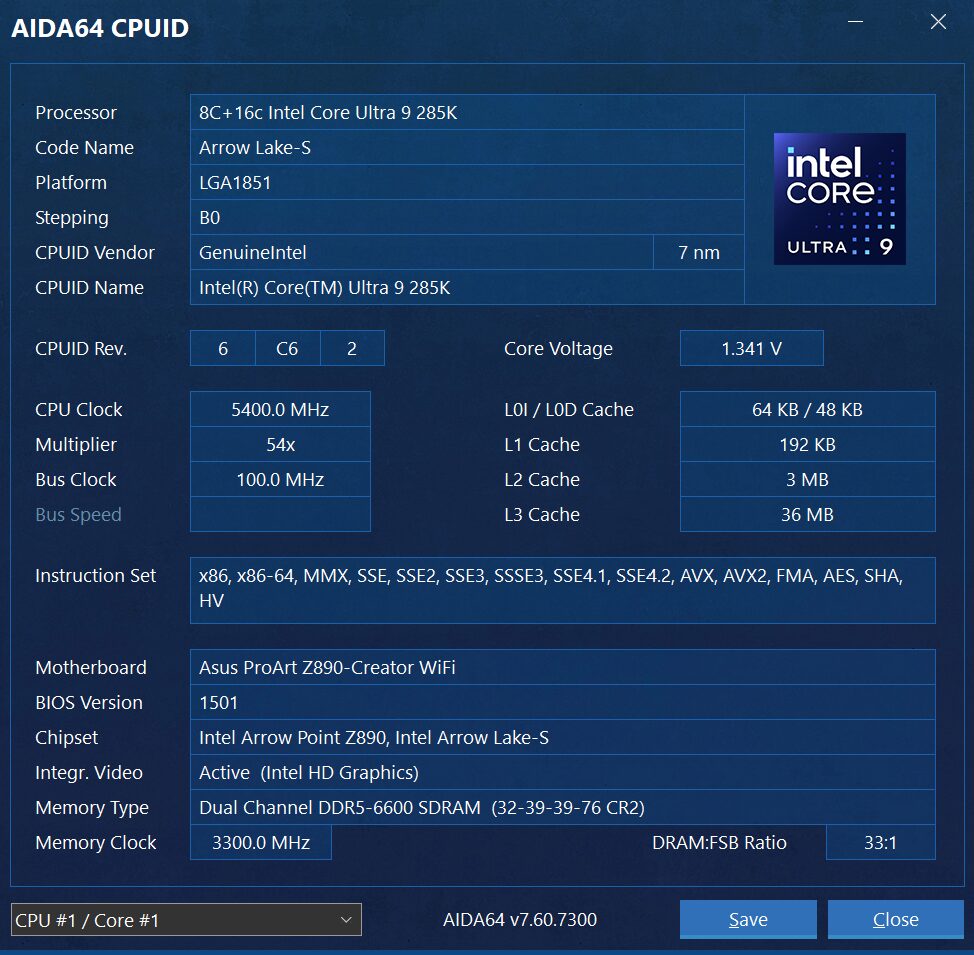
SSD testing at TSSDR differs slightly, depending on whether we are looking at consumer or enterprise storage media. Our newest system is comprised of the latest Intel Ultra 9 CPU set into the ASUS Z890 ProArt Creator motherboard with 64GB of Corsair Platinum Dominator DDR5-6400 memory. For Creators, this motherboard contains two Thunderbolt 5 (80Gbps), a Thunderbolt 4 (40Gbps) and a USB 3.2 2×2 (20Gbps) Type-C port, something no other has done to date.

For this Test Bench, there are just a few standard performance tweaks and our new ProArt Z890 Test Bench is set at 5.4GHz while the 64GB Corsair Dominator Platinum DDR5-6400 memory settled in at 6600MHz.
The components of this Test Bench are detailed below. All hardware is linked for purchase and product sales may be reached by a simple click on the individual item.
TSSDR INTEL ULTRA 9 ASUS PROART Z890 COMPONENTS
| PC CHASSIS: | Corsair iCUE Link 6500x RGB Mid-Tower Dual Chamber |
| MOTHERBOARD: | ASUS ProArt Z890-Creator WIFI LGA 1851 ATX |
| CPU: | Intel Ultra 9 Desktop Processor 285K |
| CPU COOLER: | Corsair iCUE Link Titan 360 RX RGB Liquid |
| POWER SUPPLY: | Corsair HX1000i Platinum Modular Ultra Low Noise |
| GRAPHICS: | ZOTAC GeForce RTX 3080 Trinity White |
| MEMORY: | Corsair Dominator Platinum 64GB DDR5-6400 |
| FANS: | Corsair iCUE Link RX120 MAX RGB |
| KEYBOARD: | Corsair K100 AIR Wireless RGB Mechanical |
| MOUSE: | Corsair Dark Core RGB Pro Wireless Gaming |
| MONITOR 32″x3 | Samsung 32 Inch Viewfinity UR59 4K |