 The SSD Review The Worlds Dedicated SSD Education and Review Resource |
ADVANTAGES OF DRAM-LESS SSDS OVER DRAM SSDS
The biggest benefit of any DRAM-less SSD is its lower cost. HMB is a great way of cost-cutting, so only budget SATA and entry-level NVMe drives employ it. That’s how things started in any case. Our latest review of the Micron 2600 DRAMless Gen5 SSD surely moves things forward, this being not only DRAMless but with QLC NAND as well.
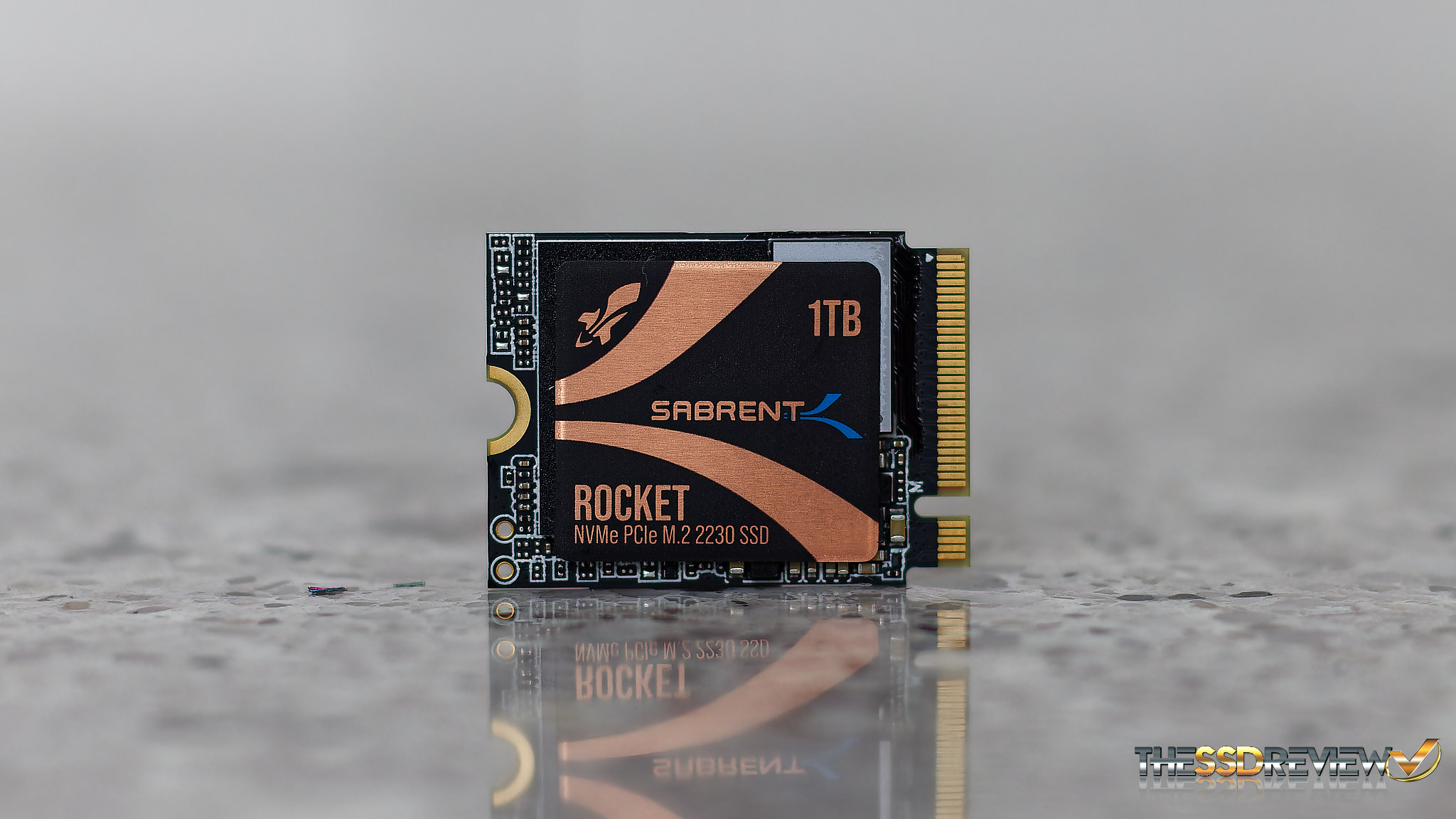
Some brands mention the fact that there product is DRAMless, and some do not. HMB-based SSDs consume less power because there is no extra chip to power and the thermal footprint is smaller. This makes DRAMless SSDs useful in tablets, notebooks, and fanless systems. With fewer chips on the board, manufacturers can now use shorter form factors like the M.2 2230.
HMB or DRAM-less SSDs have been refined so much that most normal users would never be able to experience any practical performance difference. According to this paper from WD where they have explained the application of DRAM beautifully, they also mentiioned that “95% of all activities experienced no loss of performance.” With as little as 64MB of HMB, a hit rate of 100% can be achieved.
Hit rate is when the host memory has all the data that the SSD requires for running a command or update/edit FTL. Firmware is designed to have the highest hit rate and make the most out of the HMB.

Although we can’t ignore the fact that an on-chip DRAM is always better, the latest advances in the algorithms are resulting in rapid improvements in DRAM-less SSDs’ performance.
KEY ADVANCES IN HMB
The belief that HMBs are bad comes from the earlier days when it was an early-stage technology. Currently, HMB SSDs are competing head-to-head with DRAM SSDs. Modern operating systems like Windows 11 (24H2) and the latest Linux Kernels allocate HMB dynamically. This helps different sizes of SSDs use different sizes of HMB from the main system. Windows systems can now permit 1/64 of the system RAM, which was previously capped at 64 MB.
The chances of errors are higher in HMB because of the additional steps in the PCIe interface and NVMe drivers. With NVMe 1.4, new rules were introduced to make SSDs work more smoothly when using HMB. It sets clear instructions on when and how an SSD can turn HMB on or off. Also, if something goes wrong or in case of errors, a clear set of rules is provided.
In the early days, the recovery management with HMB was complex. If the connection to the computer’s memory was lost, the SSD could lose access to the mapping tables. Today’s DRAMless SSDs keep track of any recent changes (called table deltas) and store them safely. When the connection comes back, the SSD can reload important data from its storage (NAND flash) and pick up where it left off, without losing data or getting confused.
WHEN SHOULD YOU CHOOSE A DRAM SSD?
If you need a high and consistent performance, you should never compromise on the DRAM. If you want your drive to perform well even under high workloads, you should go for a DRAM SSD.
For mixed or multi-threaded workloads, like software development, video editing, database management, virtual machines, or gaming, DRAM SSD is always advantageous. If you are a content creator or someone who moves large files frequently, DRAM can help you there as well. DRAM reduces write amplification and aids in wear leveling. This improves SSD lifespan and data integrity over time. All in all, if you use your SSD for something important and want a long-term value, you should go for a DRAM SSD.
WHEN SHOULD YOU CHOOSE A DRAM-LESS SSD?
When you have budget constraints, a DRAM-less SSD can save some money. The performance is acceptable, even though you are paying 5 to 10% less than the drives with DRAM with the same specifications. For light workloads like web browsing, media streaming, office work, light programming, and light gaming, DRAM-less SSDs will do the trick.
You can also choose a DRAM-less drive when it is not your primary drive. You can use it as your game storage drive, media library, scratch drive, or a secondary OS drive. There might not be a huge difference, but a DRAM-less SSD can reduce the overall power consumption and heat generation.
DRAM VS HMB SSDS COMPARISON
| Feature / Criteria | DRAM SSD | DRAM-less SSD (with HMB) |
| Performance | Best – fast and consistent | Good for light/moderate use |
| Random Read/Write (IOPS) | High – fast metadata lookup via onboard DRAM | Medium – uses host RAM via PCIe/NVMe |
| Sustained Write Performance | Strong, consistent writing | Moderate – good for bursts |
| Latency | Low latency – snappy response | Acceptable latency |
| Workload Suitability | Ideal for gaming, dev work, VMs, and editing | Fine for light gaming, browsing, and Office |
| Power Efficiency | Higher power draw (extra DRAM chip) | Better – no onboard DRAM |
| Thermals | Warm under load | Cooler than DRAM SSD |
| Endurance / NAND Wear | Best – lower write amplification | Moderate |
FINAL THOUGHTS
Choosing between a DRAM-based or DRAM-less SSD can be one of the major criteria for many when they choose an SSD. Most think that DRAM SSDs are always superior to DRAM-less designs. This is not always the case. Modern DRAM-less SSDs are pretty good at handling all types of loads. They utilize the fast PCIe lanes perfectly for everything that an onboard DRAM chip can do.
When you need the best, however, DRAM should never be compromised. They are not dependent on the host system for anything related to caching or buffering. It all depends mainly on budget. Typical every-day PC use = DRAM-less. Media manipulation and heavy workloads = DRAM-based.
CHECK AMAZON FOR GREAT DRAM/DRAM-less SSD PRICING TODAY.
Fiinal point… If you need any help whatsoever finding an SSD, simply send us a comment or rteach out. We would be m,ore than happy to help in any way your can. Who knows…that question you have may be on the minds of hundreds of others.
Excellent overview of this obscure implementation. Thank you for your contribution.
(Someone should proofread the final paragraph! ?)
How will a scratch disk without DRAM cache, affect computer work performance in video editing, vs a scratch disk with DRAM cache?